
Cloud Run’s recent support for deploy from source without a build step using OS-only base images can result in much faster deployments than were previously possible on Cloud Run.
So, let’s try to deploy a static React app, served by a lightweight Go server, to Cloud Run!
Creating a static React app
I’m going to use Vite’s default React + Typescript template:
npm create vite@latest react-spa -- --template react-tsNow, when I run npm install && npm run build, I have built assets for a static React app in the react-spa/dist folder.
Go static file server
I’ll use Go’s standard library, read the PORT environment variable per the Cloud Run container contract, and serve index.html when a file isn’t found (to support client-side routing).
package main

import (
	"log"
	"net/http"
	"os"
	"path/filepath"
)

func main() {
	// Cloud Run Container Contract: Use $PORT or default to 8080
	port := os.Getenv("PORT")
	if port == "" {
		port = "8080"
	}

	dir := "react-spa/dist"

	http.HandleFunc("/", func(response http.ResponseWriter, request *http.Request) {
		if _, err := os.Stat(filepath.Join(dir, request.URL.Path)); os.IsNotExist(err) {
			// If file doesn't exist, serve index.html and let SPA handle routing client-side
			http.ServeFile(response, request, filepath.Join(dir, "index.html"))
			return
		}

		http.FileServer(http.Dir(dir)).ServeHTTP(response, request)
	})

	// 3. Start the server
	log.Printf("Listening on port %s...", port)
	log.Fatal(http.ListenAndServe(":"+port, nil))
}
Deploying to Cloud Run
Here’s a deploy.sh script that:
- Builds the React app
- Cross-compiles the Go server
- Deploys to Cloud Run with the following config:
--no-build: skip Cloud Build--base-image=osonly24: use the OS-only base image--no-invoker-iam-check: open the service up to the internet
I also set
max=1. Since serving static files isn’t too resource-intensive, it’s worth starting with a low number of maximum instances and increasing it later as-needed.
SECONDS=0
echo "🏗️ Building..."

# Build web app
cd react-spa
npm install && npm run build
cd ..

# Cross-compile web server
GOOS="linux" GOARCH=amd64 go build main.go
echo "🏗️ Built web app and server in $SECONDS seconds."

echo "🚀 Deploying to Cloud Run..."
RUN_DEPLOY_SECONDS=$SECONDS
gcloud beta run deploy static-web-app \
  --source . \
  --command=./main \
  --region=us-east1 \
  --no-build \
  --base-image=osonly24 \
  --no-invoker-iam-check \
  --max=1

echo "🚀 Deployed to Cloud Run in $((SECONDS - RUN_DEPLOY_SECONDS)) seconds."
echo "⏱️ Total build and deploy time: $SECONDS seconds."
Here’s the output of my script:
🏗️ Building...

up to date, audited 179 packages in 613ms

46 packages are looking for funding
  run `npm fund` for details

found 0 vulnerabilities

> react-spa@0.0.0 build
> tsc -b && vite build

vite v7.3.1 building client environment for production...
✓ 32 modules transformed.
dist/index.html                   0.46 kB │ gzip:  0.29 kB
dist/assets/react-CHdo91hT.svg    4.13 kB │ gzip:  2.05 kB
dist/assets/index-COcDBgFa.css    1.38 kB │ gzip:  0.70 kB
dist/assets/index-DWyDJMmB.js   193.91 kB │ gzip: 60.94 kB
✓ built in 300ms
🏗️ Built web app and server in 2 seconds.
🚀 Deploying to Cloud Run...
Deploying sources to Cloud Run service [static-web-app] in project [jeff-dotcom] region [us-east1]
✓ Deploying... Done.
  ✓ Uploading sources...
  ✓ Creating Revision...
  ✓ Routing traffic...
Done.
Service [static-web-app] revision [static-web-app-00006-djq] has been deployed and is serving 100 percent of traffic.
Service URL: https://static-web-app-470568577401.us-east1.run.app
🚀 Deployed to Cloud Run in 25 seconds.
⏱️ Total build and deploy time: 27 seconds.
The entire build and deploy process took less than thirty seconds, which is significantly faster than doing the build in Cloud Build.
That’s it!
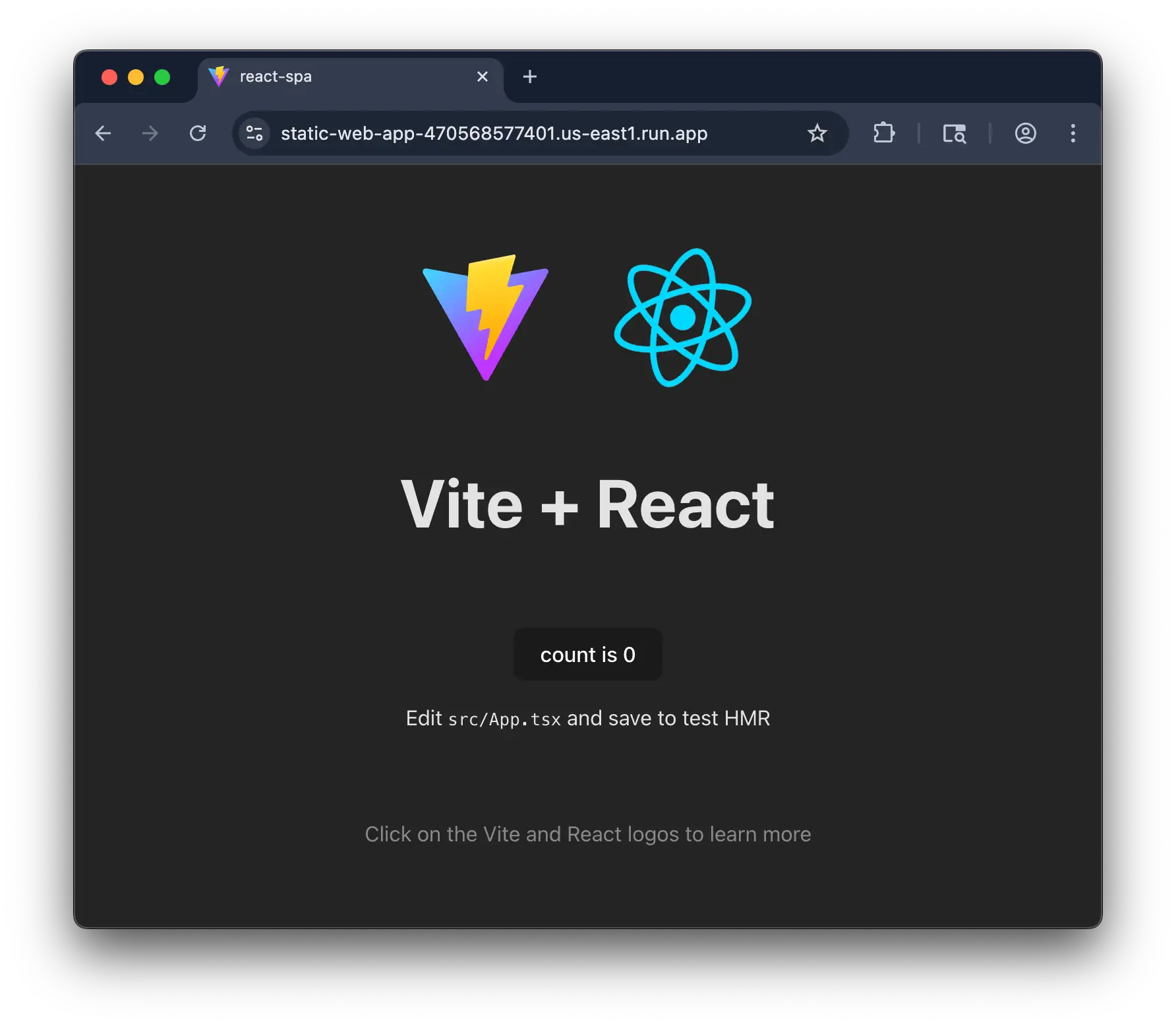
There are more things to consider, like caching assets in Cloud CDN. In that case, Firebase App Hosting is a better fit for serving web apps on Google Cloud, but I thought it would be interesting to get something working directly on Cloud Run.